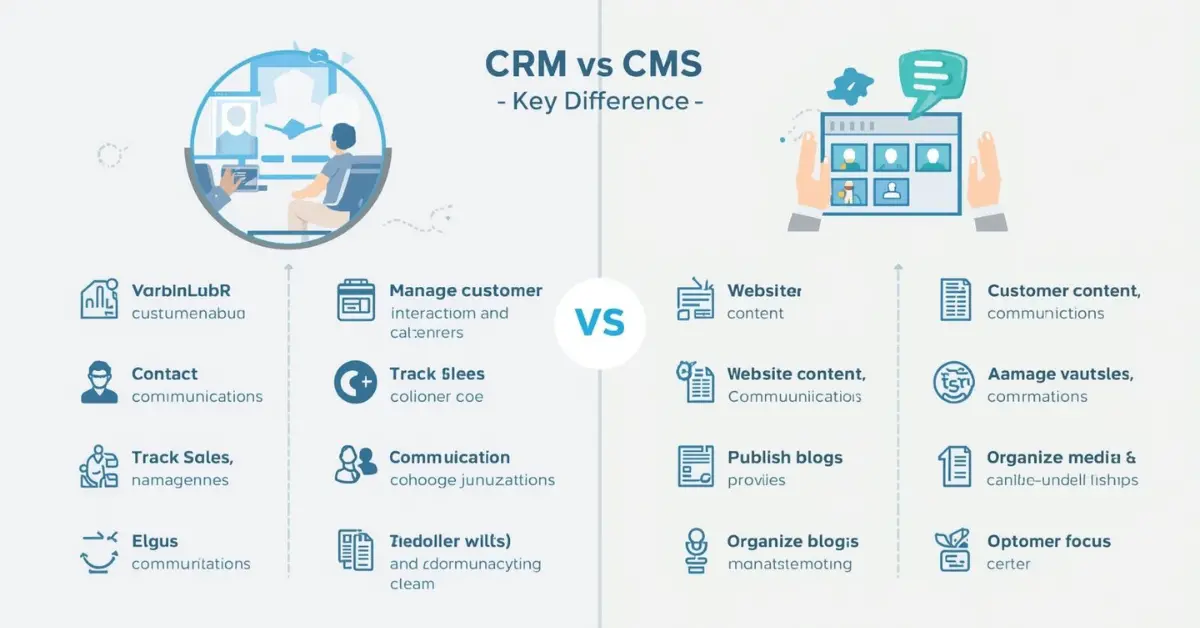
Imagine Sarah, a small business owner, juggling customer emails, sales leads, and website content. She often finds herself confused between managing customer relationships efficiently and updating her website content seamlessly. This is where the terms CRM (Customer Relationship Management) and CMS (Content Management System) come into play. While both CRM and CMS are crucial for businesses, they serve very different purposes.
CRM focuses on improving customer interactions and sales processes, whereas CMS handles website content creation and management. Understanding the difference between CRM and CMS is essential not only for business owners like Sarah but also for marketers, web developers, and customer service professionals. When you know how each system works, you can streamline operations and enhance your business’s online presence.
Pronunciation:
- CRM: US /ˌsiːɑːrˈɛm/, UK /ˌsiːɑːrˈɛm/
- CMS: US /ˌsiːɛmˈɛs/, UK /ˌsiːɛmˈɛs/
Before diving into the main comparison, let’s explore how CRM and CMS differ in real-world business operations and why it’s essential to distinguish them.
Difference Between CRM and CMS
1. Primary Purpose
- CRM: Designed to manage customer relationships and interactions.
Example 1: Salesforce helps track customer purchases and communications.
Example 2: HubSpot organizes leads and follow-up reminders automatically. - CMS: Designed to create, edit, and manage website content.
Example 1: WordPress allows bloggers to publish articles easily.
Example 2: Joomla lets e-commerce websites update product listings.
2. Target Users
- CRM: Sales teams, customer support, marketing departments.
Example 1: A call center uses CRM to log customer complaints.
Example 2: Marketing teams use CRM to personalize email campaigns. - CMS: Web developers, content creators, bloggers.
Example 1: Bloggers publish daily posts using a CMS platform.
Example 2: Designers use CMS to maintain portfolio websites.
3. Core Functionality
- CRM: Tracks leads, sales, and customer behavior.
- CMS: Manages website pages, blog posts, and media files.
4. Integration Capability
- CRM: Often integrates with email, marketing, and accounting tools.
- CMS: Integrates with plugins, SEO tools, and social media platforms.
5. Data Management
- CRM: Focuses on structured customer data and analytics.
- CMS: Handles mostly unstructured content like text, images, and videos.
6. Revenue Impact
- CRM: Directly improves sales and customer retention.
- CMS: Indirectly supports revenue by improving website engagement.
7. User Interaction
- CRM: Internal usage by employees to track customers.
- CMS: External usage by website visitors consuming content.
8. Complexity
- CRM: Usually requires training and a subscription plan.
- CMS: More beginner-friendly, often open-source options available.
9. Reporting & Analytics
- CRM: Provides detailed customer analytics and sales reports.
- CMS: Offers website traffic and engagement statistics.
10. Examples in Business
- CRM: Salesforce, Zoho CRM
- CMS: WordPress, Drupal
Nature and Behavior
CRM: Structured, customer-focused, analytical, proactive in improving sales efficiency.
CMS: Creative, content-driven, flexible, focused on web presentation and user engagement.
Why People Get Confused
Many confuse CRM and CMS because both involve data management and digital tools. However, the purpose differs: one manages people (CRM), the other manages content (CMS).
Difference and Similarity Table
| Feature | CRM | CMS | Similarity |
| Purpose | Customer management | Content management | Both are digital management tools |
| Users | Sales & marketing | Content creators & developers | Both improve business efficiency |
| Data Type | Structured | Unstructured | Both collect and store data |
| Revenue Impact | Direct | Indirect | Both contribute to business growth |
| Integration | Email, marketing, accounting | Plugins, SEO, social media | Both can integrate with external tools |
Which is Better in What Situation?
CRM: Best when the goal is improving sales, retaining clients, and managing relationships efficiently. It is essential for sales-driven organizations.
CMS: Best when the goal is to publish, manage, or organize website content without coding. Ideal for bloggers, media companies, and e-commerce sites.
Metaphors and Similes
- CRM: “CRM is like a personal assistant that remembers every customer detail.”
- CMS: “CMS is like a blank canvas, allowing creativity in website presentation.”
Connotative Meaning
- CRM: Positive; improves relationships and customer satisfaction. Example: A CRM system strengthened the company’s bond with clients.
- CMS: Neutral; a tool to facilitate content creation. Example: Using a CMS, she updated her website effortlessly.
Idioms / Proverbs
- “The customer is always right” – aligns with CRM’s purpose.
- “Content is king” – aligns with CMS’s purpose.
Literature References
- CRM in “CRM at the Speed of Light” by Paul Greenberg (2001, Business/Tech)
- CMS in “WordPress for Dummies” by Lisa Sabin-Wilson (2005, Tech Guide)
Movies Based on Keywords
- CRM: Not directly depicted, but business management movies like The Intern (2015, US) showcase CRM concepts.
- CMS: Not directly depicted, but digital content themes appear in The Social Network (2010, US).
FAQs
- What is CRM vs CMS?
CRM manages customer interactions; CMS manages website content. - Can a CMS replace CRM?
No, CMS cannot handle sales or customer relationship tasks. - Are they integrated sometimes?
Yes, many CRMs offer CMS integrations for seamless business operations. - Which is more expensive?
CRMs usually require subscriptions; CMS often has free or open-source options. - Do both need technical skills?
CMS can be beginner-friendly; CRM often requires training.
How Both Are Useful for Surroundings
CRM helps businesses understand customer needs and improve satisfaction, benefiting the community economically. CMS ensures accurate, engaging, and informative content is available to the public, enhancing knowledge and communication.
Final Words
CRM and CMS are essential digital tools, each serving unique functions. While one builds relationships, the other organizes content. Mastery of both empowers professionals to manage business and online presence effectively.
Conclusion
In today’s digital era, distinguishing between CRM and CMS is vital. CRMs focus on managing customer relationships, improving sales, and analyzing behavior. CMS platforms, on the other hand, streamline content creation, presentation, and website management. Both play complementary roles in modern business strategy.
Understanding their differences helps avoid confusion, ensures efficient workflow, and maximizes both customer satisfaction and web engagement. For business owners, marketers, and developers, leveraging CRM and CMS appropriately can mean the difference between chaos and organized growth.

Hi, I’m LunarCrest, the author behind GrammarCircle. I’m passionate about language, writing, and helping people understand the finer details of English. Through my work, I focus on explaining grammar rules, word differences, and language concepts in a simple and practical way.